Turn any photo into a Live Photo
Tada is a Live Photo maker for iPhone. Pick a photo from your camera roll, tap Make it Live, and save it to Photos as a real Live Photo. Touch and hold it there to see it move.
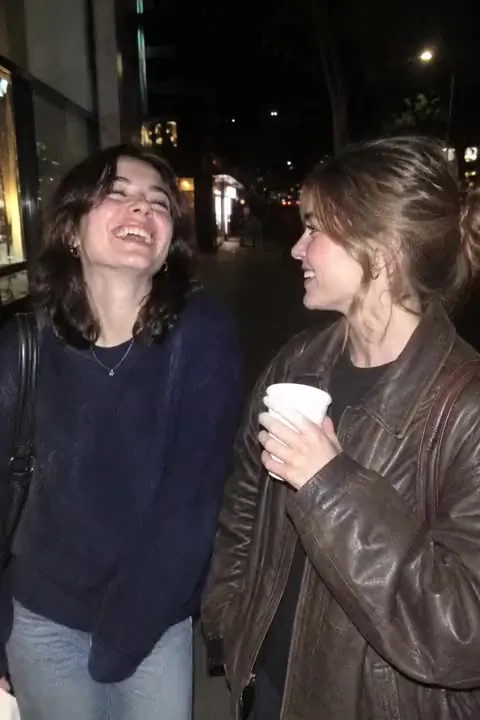
How to make a Live Photo from a photo
- Open Tada and tap Make it Live, then pick a photo. Any photo works: one you took, a screenshot, an old picture you saved.
- Choose how it moves. Breathe makes people breathe softly and Puff puffs up whatever you tap. These are made on your phone in about a second. Natural and Lively use AI to make the whole scene move, in 20–40 seconds.
- Tap Save. Your tada goes to Photos as a Live Photo, ready to send in Messages.
Why not just use the Photos app?
The Photos app plays Live Photos your camera already took, but it can’t make a still photo move. Tada makes the movement and saves it the same way your camera does, so it works everywhere a Live Photo does. To loop or bounce it afterwards, see how to make a Live Photo loop.
Free or AI
Breathe and Puff are free, as many as you like. Natural and Lively use 1 AI tada each: you get 3 free, and Tada Pro gives you 30 a month (15 a week on the weekly plan). If an AI tada doesn’t work, you aren’t charged.
Questions
Can I turn a normal photo into a Live Photo on iPhone?
Yes. The Photos app can only play Live Photos your camera took. Tada makes a new Live Photo from any photo in your camera roll: open Tada, tap Make it Live, pick a photo, choose how it moves and tap Save.
Is it free?
Breathe and Puff are made on your phone and are free, as many as you like. The AI ways to move (Natural and Lively) use 1 AI tada each: you get 3 free, and Tada Pro gives you 30 a month (15 a week on the weekly plan).
Where does the Live Photo go?
Tap Save and it goes to Photos as a Live Photo. Touch and hold it there to see it move.