Face stickers for your photos
To put face stickers on a photo, open Tada, tap Add effects, pick a selfie and choose the Face stickers pack. The pack has freckles, a heart, glitter, whiskers and more; a set is placed on the face in about a second and keeps moving in the Live Photo you save.

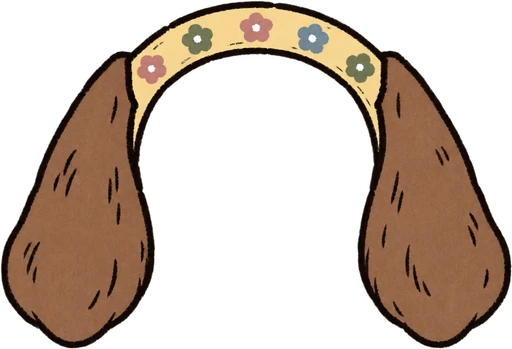
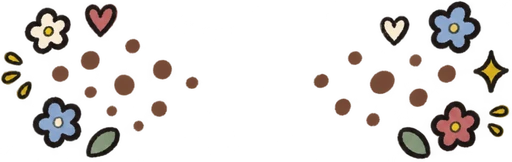
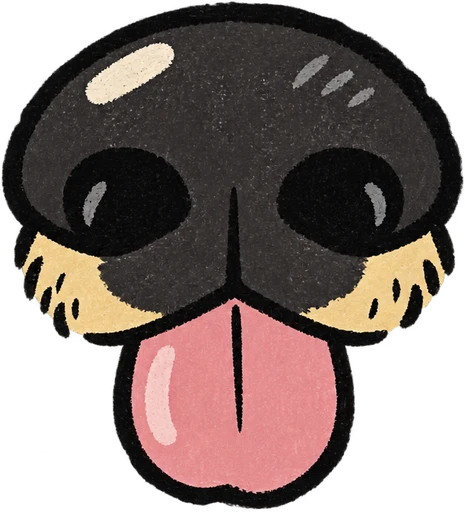
The 8 face stickers, and when to use them
| Sticker | Good for |
|---|---|
| Freckles | Everyday selfies, summer |
| Heart | Valentine’s Day, date night |
| Rainbow | Pride, a sunny day out |
| Glitter | Birthdays, a night out |
| Star tears | Concerts and festivals |
| Whiskers | A cat costume, Halloween |
| Bandage | Game day, a rough Monday |
| Fawn spots | A deer costume, fall photos |
Whiskers and fawn spots make the quickest costume photo of the year, with no face paint to wash off. Star tears and glitter are the festival favorites; there is more on that look in star stickers on face.
How to add face stickers
- Open Tada, tap Add effects and pick a photo with a face in it.
- Pick Face stickers. In about a second the whole set is placed for you.
- Tap the dice (Shuffle) for a new set. Drag, pinch or turn a sticker to move it, or drag it to the bin.
- Tap Save. The photo goes to Photos as a Live Photo, and the stickers keep moving when you touch and hold it. You can send it in Messages like any Live Photo.
More packs to finish the look
- Glasses: 10 pairs. Classic also has heart glasses and star glasses.
- Nose & mouth: 13, from a clown nose, dog nose and pig nose to a moustache and lips.
- Classic: blush for the cheeks, plus cat ears, bunny ears and a crown.
- Earrings & ear things: 11, for the ears.
- Neck things: 10, like a bow tie, pearls and a scarf, to finish the look below the chin.
All of these packs are free, as many times as you like.
Looking for custom face stickers?
If you mean a sticker made from someone’s face, that’s a different thing: your iPhone can lift a person out of a photo and save them as a sticker. See how to make stickers from photos.
Questions
What are face stickers?
Small stickers worn on the face, or added to a photo of one: freckles, hearts, stars, glitter. In Tada, the Face stickers pack has 8 and places them on the face for you.
Are Tada’s face stickers free?
Yes. Face stickers, Glasses and Nose & mouth are all free packs, with no limit.
Can I fix a sticker that landed in the wrong spot?
Yes. Drag, pinch or turn it to fix it, or drag it to the bin. Tap the dice to shuffle a whole new set.
Sources: Apple Support: Add text, shapes, stickers, and more with Markup on iPhone · Apple Support: Add emoji, Memoji, and stickers with the iPhone keyboard