What is a Live Photo?
A Live Photo is an iPhone photo that also records what happens 1.5 seconds before and after you take it, sound included, so about 3 seconds in all. Touch and hold it in Photos to watch it move.
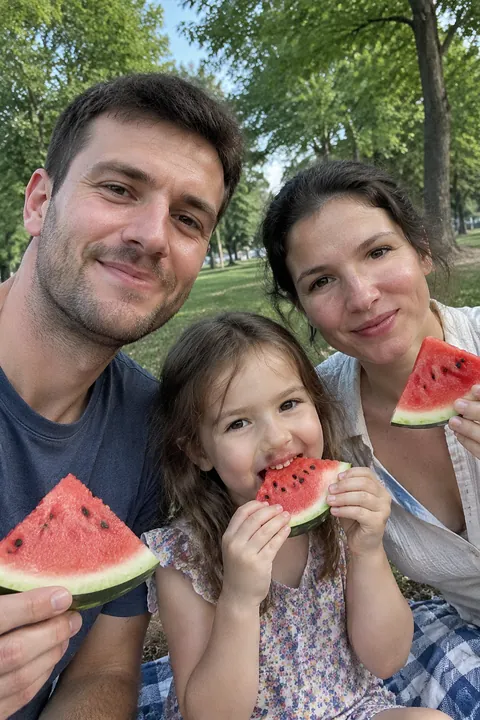
How Live Photos work
Live Photo is on by default in the Camera app’s Photo mode, and you take one just like a normal photo. Your iPhone keeps the moments around the shot along with the photo, and saves it all to your library in Photos. The still you see in your library is the key photo, and you can pick a different one later.
Every iPhone from the iPhone 6s on can take Live Photos. They aren’t available when ProRAW or HEIF Max is turned on.
How long is a Live Photo?
About 3 seconds: 1.5 seconds before you tap the shutter and 1.5 seconds after. You can make it shorter by trimming it in the Photos app; see how to edit a Live Photo.
Find and play your Live Photos
- Open Photos and tap Collections.
- Scroll to Media Types and tap Live Photos.
- Tap a photo to open it, then press and hold the screen to play it.
An open Live Photo shows Live in the top-left corner; tap it to choose an effect like Loop or Bounce. When someone sends you a Live Photo in Messages, tap it to open it, then press and hold.
Turn Live Photos on or off
- Open Camera in Photo mode.
- Tap the Camera Controls button, or swipe up from Photo mode at the bottom of the screen.
- Tap Live and choose Auto, On or Off. On iOS 26, each tap on Live switches between Off, On and Auto.
The Camera app turns Live Photo back on automatically. To keep your choice, open Settings, tap Camera, then Preserve Settings, and turn on Live Photo. More in how to turn off Live Photos.
Sharing a Live Photo
Sent in Messages to another iPhone, a Live Photo keeps moving. Sent by Mail, or to a device or service that doesn’t support Live Photos, it arrives as a still. For everyone else, save it as a video first: open it, tap the More button and tap Save as Video.
No Live Photo of that moment?
If Live was off, or the picture came from somewhere else, there’s no motion to play. Tada makes a Live Photo from any photo in your camera roll, screenshots and old pictures included: tap Make it Live, choose how it moves and tap Save. Like Apple’s, Tada’s Live Photos are about 3 seconds long. See turn any photo into a Live Photo.
Questions
How long is a Live Photo?
About 3 seconds. Your iPhone records 1.5 seconds before and 1.5 seconds after you take the photo.
Do Live Photos have sound?
Yes, a Live Photo includes audio. To mute one, open it in Photos, tap Edit, the Live Photo button, then the Mute button.
Which iPhones can take Live Photos?
iPhone 6s and later. Live Photos aren’t available when ProRAW or HEIF Max is turned on.
Is Live Photo on by default?
Yes. Live Photo is on by default in the Camera’s Photo mode, and the Camera turns it back on automatically unless you keep your setting with Preserve Settings.
Sources: Apple Support: Take and edit Live Photos · iPhone User Guide: Take Live Photos · iPhone User Guide: Edit Live Photos · iPhone User Guide: Locate photos and videos by media type · iPhone User Guide: Share photos and videos