A big head filter for any photo
For a big-head, bobblehead look on a photo you already took, open Tada, tap Make it Live, pick the photo and choose Puff. It puffs up the head, lets it bounce back and shrink again in a loop, and it’s free.
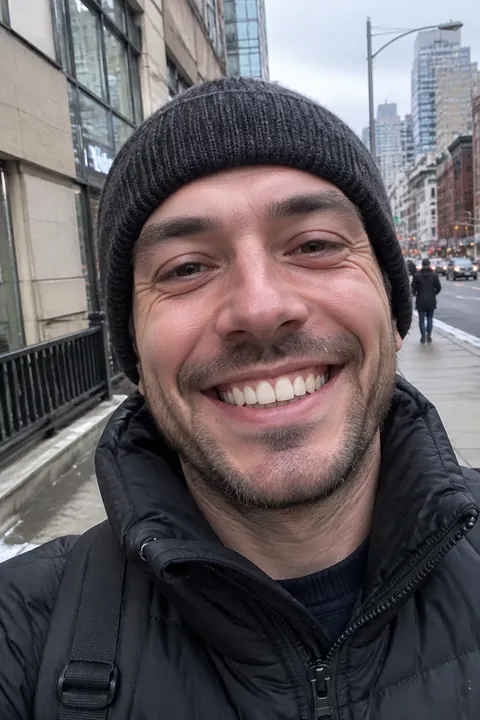
How to give someone a big head
- Open Tada, tap Make it Live and pick a photo. Old photos and screenshots work too.
- Choose Puff. It puffs up the head by default. To puff something else, tap that spot on the photo.
- Puff is made on your phone in about a second, so try a few spots.
- Tap Save. The photo goes to Photos as a Live Photo. Touch and hold it to see it, or send it in Messages.
Why it still looks like them
Puff only enlarges the photo’s own pixels. Nothing is redrawn, so the face, the grin and the background are the real ones, just bigger for a moment. That’s why it works on any photo, from a selfie to a group shot. In a group photo, tap the head you want.
Big-head ideas
- Your dog or cat Tap your pet’s head for an instant bobblehead.
- One friend in a group photo Tap their head and leave everyone else as they are.
- A giant slice of pizza Tap the slice in a food photo and it swells.
- The birthday cake Tap the cake right before the candles go out.
- A proud face A graduation, a medal, a first fish. Puff the head of whoever earned it.
Want it even bigger?
Two AI looks play with size in other ways. 0.5 Pic re-shoots the photo as an ultra-wide shot from close up and above, so whatever you hold looms huge. Tiny You re-shoots you a few inches tall, next to things at real size. Both redraw the photo with AI, so the result looks like you but isn’t the same picture, and they work best on a photo of one person. Each uses 1 AI tada, and the photo is sent to Tada’s AI partners (see privacy).
More on each: the 0.5 pic and miniature me. To make the whole photo move instead, see how to animate a photo.
Questions
Is there a big head filter for photos, not just the camera?
Yes. Tada’s Puff works on any photo in your camera roll: it puffs up the head, bounces back and loops, and it saves as a Live Photo.
Is Puff free?
Yes. Puff is made on your phone in about a second, and it’s free, as many as you like.
Does Puff change the face?
No. It only enlarges the photo’s own pixels. Nothing is redrawn.
Can I puff something other than a head?
Yes. Tap anywhere on the photo to puff that spot instead, like a pet, a slice of pizza or a cake.